

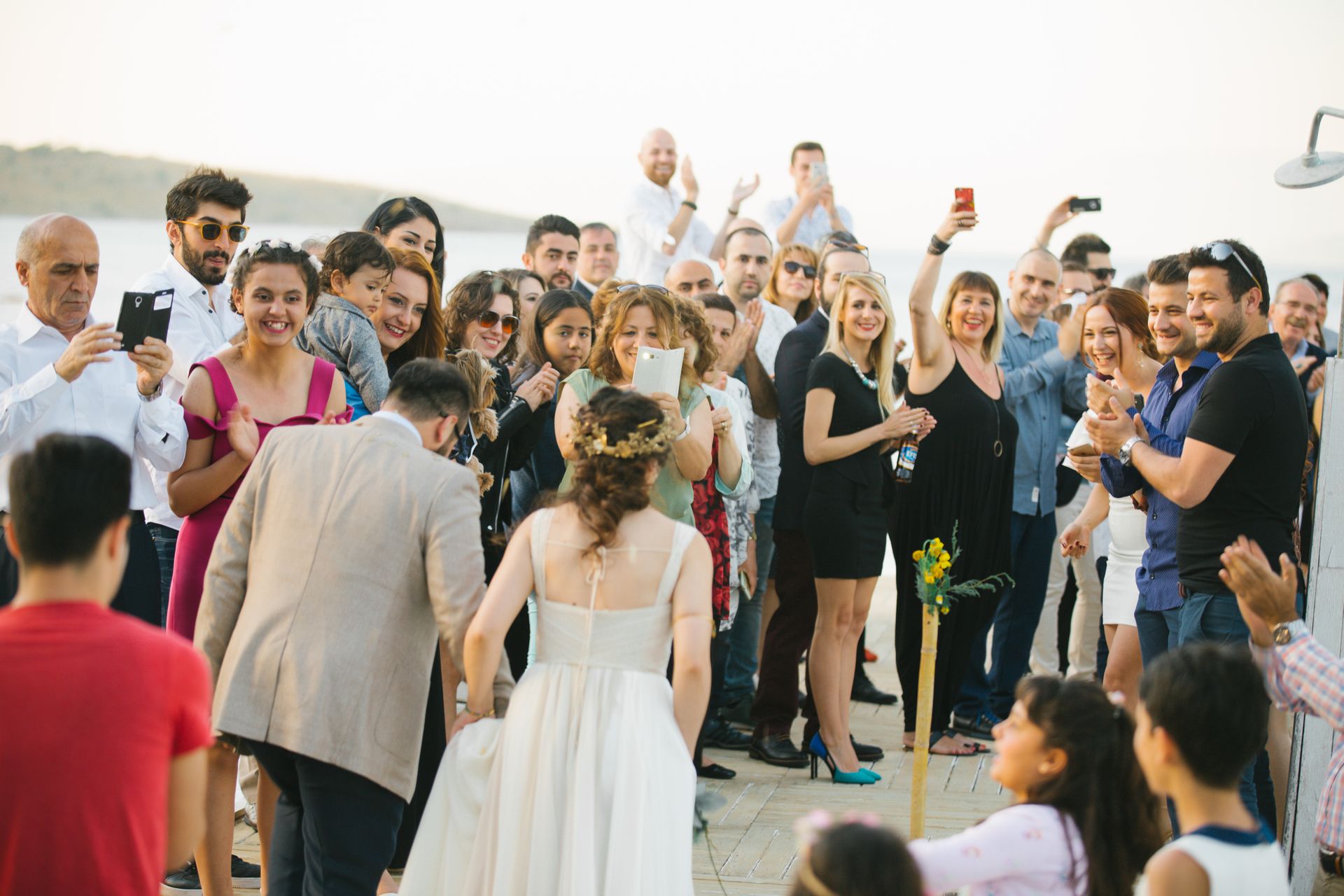
At every wedding hundreds of photos are taken that you will never see. Guests have them in their phones, and their shots often capture the best moments: grandma laughing by the cake, or a friend dancing with the mother-in-law. How do you get them all in one place?
The good news is that it is not a matter of luck. A few simple decisions before and during the wedding decide whether you receive dozens of photos or hundreds.
1. Give guests one place for all the photos
Chat groups, emails and links to different storage services lead to chaos. Chats shrink photos heavily and a week later nobody goes looking for them. Choose one place where everything goes and give everyone the same link.
2. Do not require an app or registration
Every obstacle means fewer photos. Older guests do not want to install an app and everyone else does not want to create yet another account. The ideal is a link that opens straight in the browser, with uploading in a few taps.
3. Tell guests in advance where to upload photos
Mention it in the invitation or in a message before the wedding. A guest who knows about the place for photos starts thinking about taking pictures earlier and does not have to look for someone to send them to. In Snapolino guests can upload even before the event, for example photos from the preparations, so you do not have to wait for the wedding day.
4. Put the QR code in visible places
The welcome board at the entrance, cards on the tables and the bar all work well. The guest scans the code with the phone camera and that is it. You can print in advance a card with a short text such as Upload your photos for us. For where to place the code and how to make it legible, see our article Wedding QR code.
5. Remind guests during the day
Ask the host, the DJ or the best man or maid of honor to say it at the toast or before the first dance. One sentence is enough and the number of uploaded photos noticeably grows.
6. Let guests upload later too
Many people only pick their photos the next day. A gallery that stays open collects more than one that closes right after the wedding. In Snapolino the gallery is available for 14 to 365 days depending on the plan, and guests can upload several photos at once because nobody wants to pick them one by one.
7. Protect privacy
Not every guest wants everyone to see their photos. You can hide the gallery from guests, so they only upload and only you see all the photos. On the Standard and Premium plans you can also approve photos before they are published.
And after the wedding?
What matters most is having all the photos in one place and downloading them with one click. In Snapolino guests upload photos through the QR code, and after the event you download them as one ZIP archive (or only the selected ones). Photos are stored in high resolution, up to 2400 px on the longer side. You can try your first event for free.